
Marketing Toolkit.
Free resources for adding PHapp® to the outreach your team already does.
Start with stable PHapp® links, then decide where PHapp® should appear on your website. After that, use the toolkit assets — social posts, flyers, logos, screenshots, and design files — across the outreach your team already does.
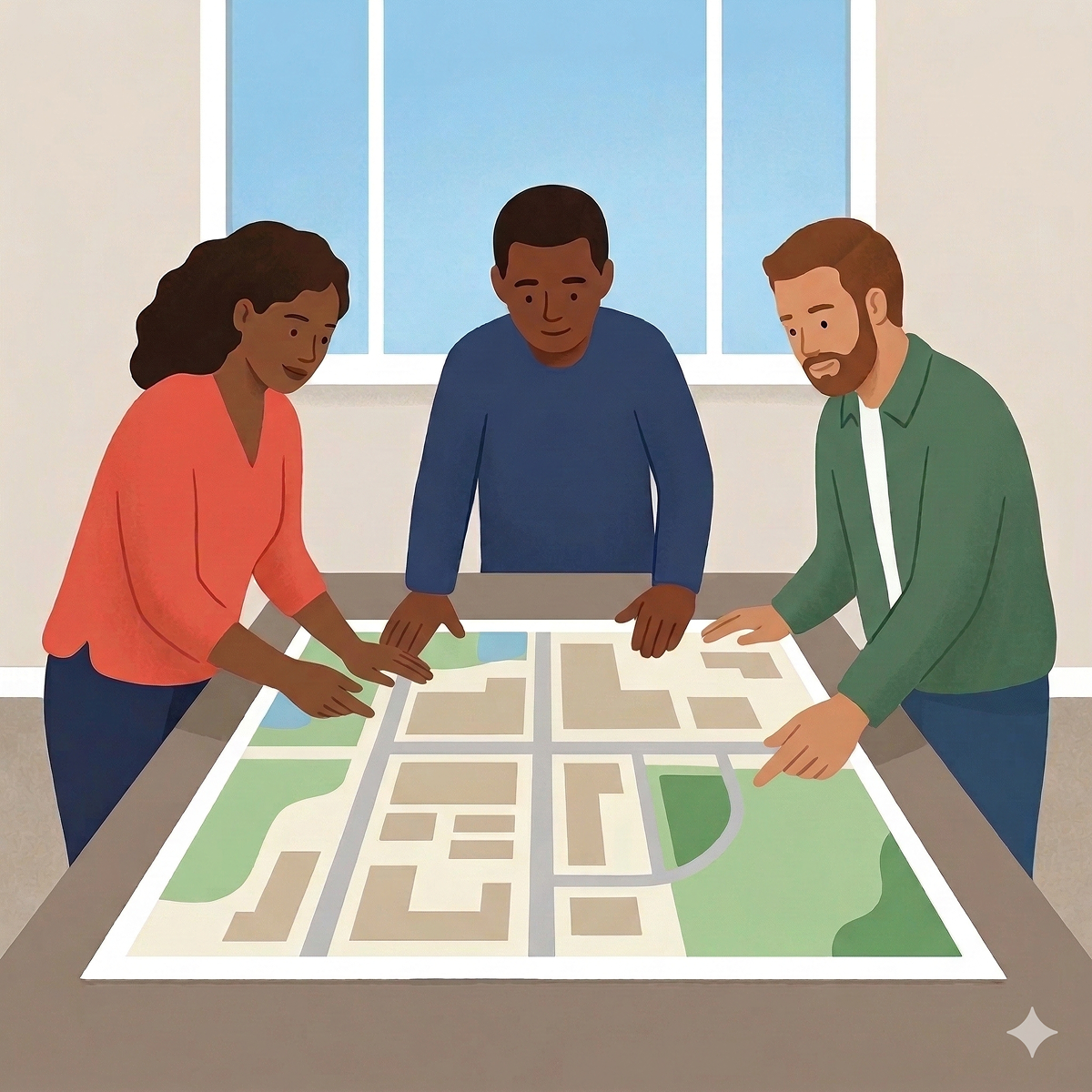
Start with stable PHapp® links.
Stable links are the easiest way to add PHapp® to channels your agency already uses. Put them in alert messages, agency webpages, social posts, newsletters, partner emails, flyers, and QR codes. Everyone can use the same simple link; each resident sees current guidance in their preferred language.
Behind the link, PHapp® can show the latest status, real-time maps, local resources, and nearby multi-jurisdictional context, so residents can understand what applies where they are, even when they travel across city or county lines.
After stable links, the next step is embedding PHapp® on the pages residents already visit. Links work across every channel; embeds make your agency website a live destination for current multilingual guidance.
Top links to start with:
- ph.app/heat — Heat
- ph.app/flood — Flood
- ph.app/air — Air quality and dust
- ph.app/wildfire — Wildfire
- ph.app/thunder — Thunderstorm
- ph.app/wind — Strong wind
- ph.app/winter — Winter weather
- ph.app/tornado — Tornado
- ph.app/hurricane — Hurricane
- ph.app/storm — Storm surge and tropical storm
Next, embed PHapp® on your website.
Add PHapp® content to agency-owned pages so residents can move from your existing website or alert message to current multilingual guidance without leaving your public web presence.
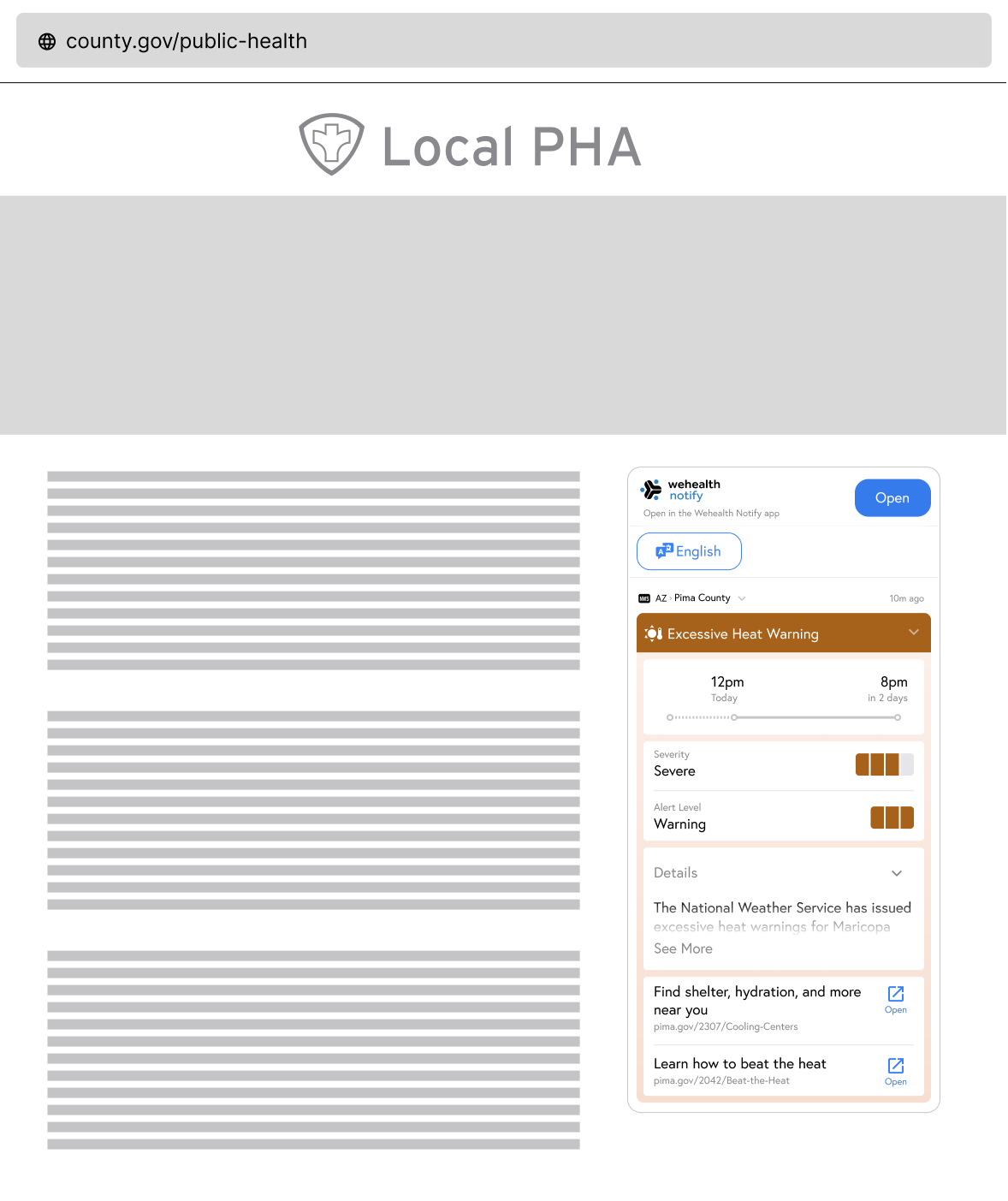
50+ human-reviewed languages
Print Flyers.
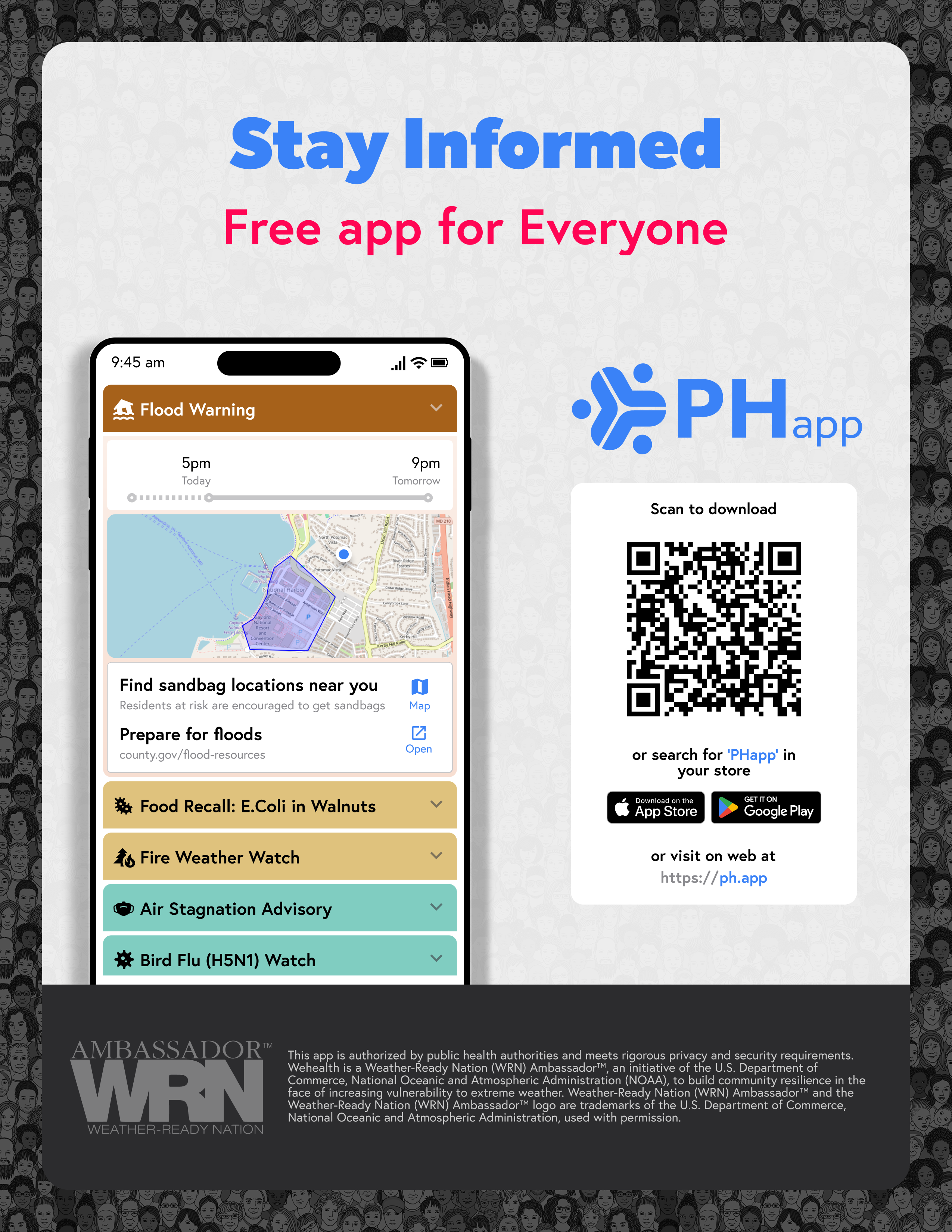
Add PHapp® to existing handouts, clinic materials, shelter notices, partner packets, and community-event tables.
Need another language? The PHapp® US community page hosts the same flyer in 50+ human-reviewed languages.

App Screenshots
Use these screenshots in presentations, grant applications, partner briefings, or existing outreach materials.
Screenshot 1 | Screenshot 2 | Screenshot 3 | Screenshot 4 | Screenshot 5 | Screenshot 6
Design Source Files.
Adapt the toolkit to your agency's channels using editable Figma templates for posters, social graphics, and digital materials.
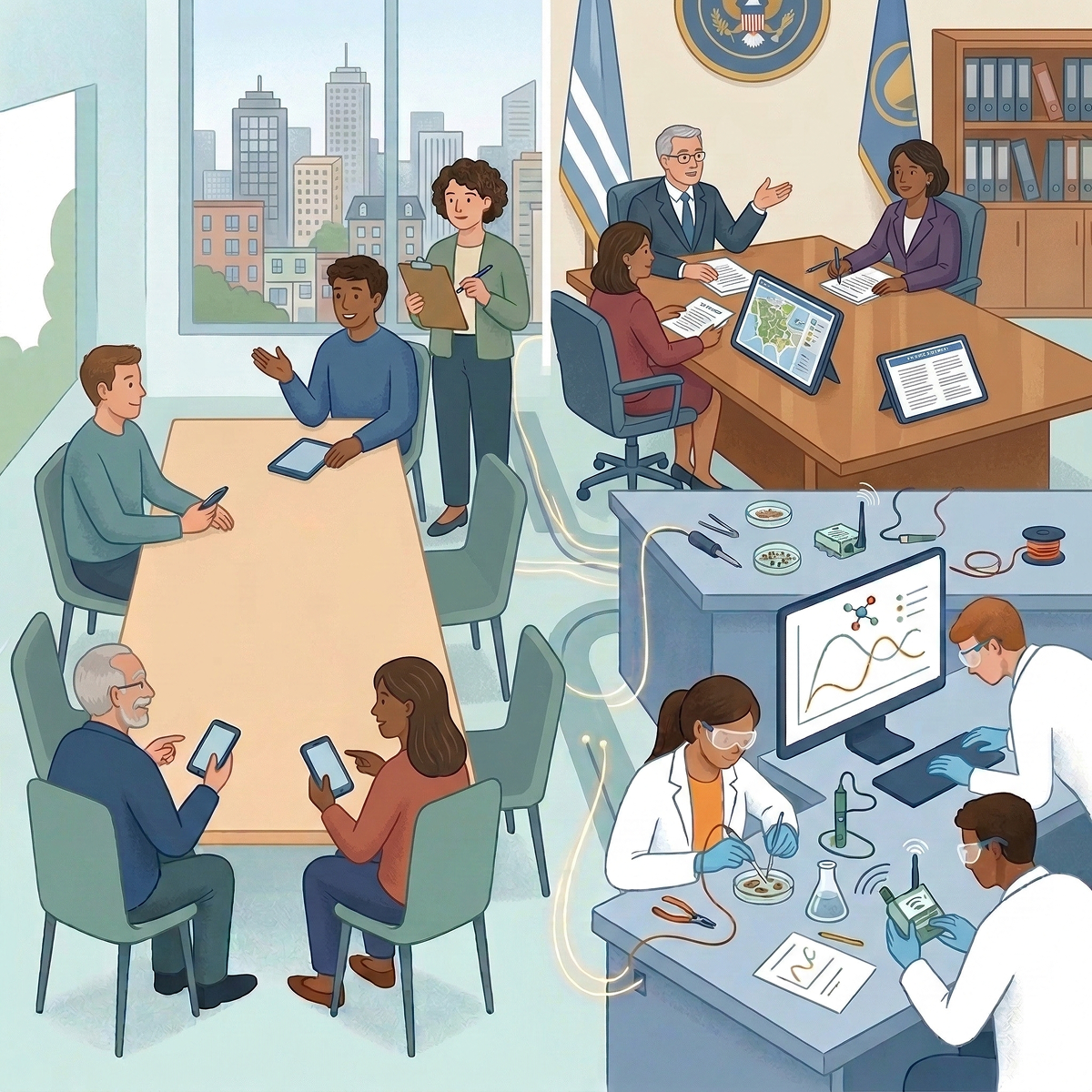
Need help adding PHapp® to your outreach?
Contact us for custom materials, co-branded assets, or help fitting PHapp® into the alert tools and outreach channels your agency already uses.
Ready to reshare
Social Media Posts.
Use these posts as-is or adapt them for the social channels your team already manages. Each post gives residents a direct path to PHapp®.